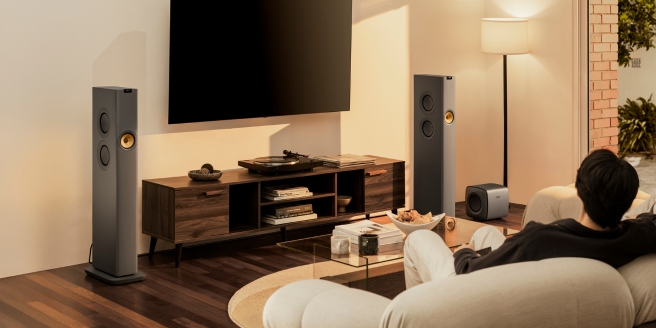
To help you create a home cinema that provides the audio and visual excellence you crave, we've provided positioning tips to ensure your screen and soundbar perform at their best.
Horizontal Viewing Angle
Even though our peripheral vision allows us to see a field of vision that is nearly 180° wide, it is not as easy to focus on images outside of a much smaller angle. Images right in front of you tend to become the main focus, meaning action at the periphery of the screen can be missed. Your screen should be inside that angle for as immersive an experience as possible.
The Society of Motion Picture and Television Engineers (SMPTE) sets this viewing angle at 30° based on an aspect ratio of 16:9, while the THX standard for the farthest seat in the centre of the theatre is a little wider at 36° (based on an aspect ratio of 2.39:1). The standard for home theatre is quickly becoming 2.39:1, so that’s the angle you should be concerned with.
If you are sitting too close to a very large TV, portions of the screen will fall outside of the 36° angle, forcing your eyes to move more than necessary, causing fatigue. On the flipside, as resolutions increase, the viewing angle increases proportionally. With a 4k display, you may even be able to stretch that angle out to 50° or more. There really is no perfect answer to viewing angle for every situation, but if you try to stay close to 36°, everyone should have a great viewing experience.
Whilst that covers the horizontal placement of the screen, it is also crucial to consider the vertical placement.
1. Calculate Viewing Distance
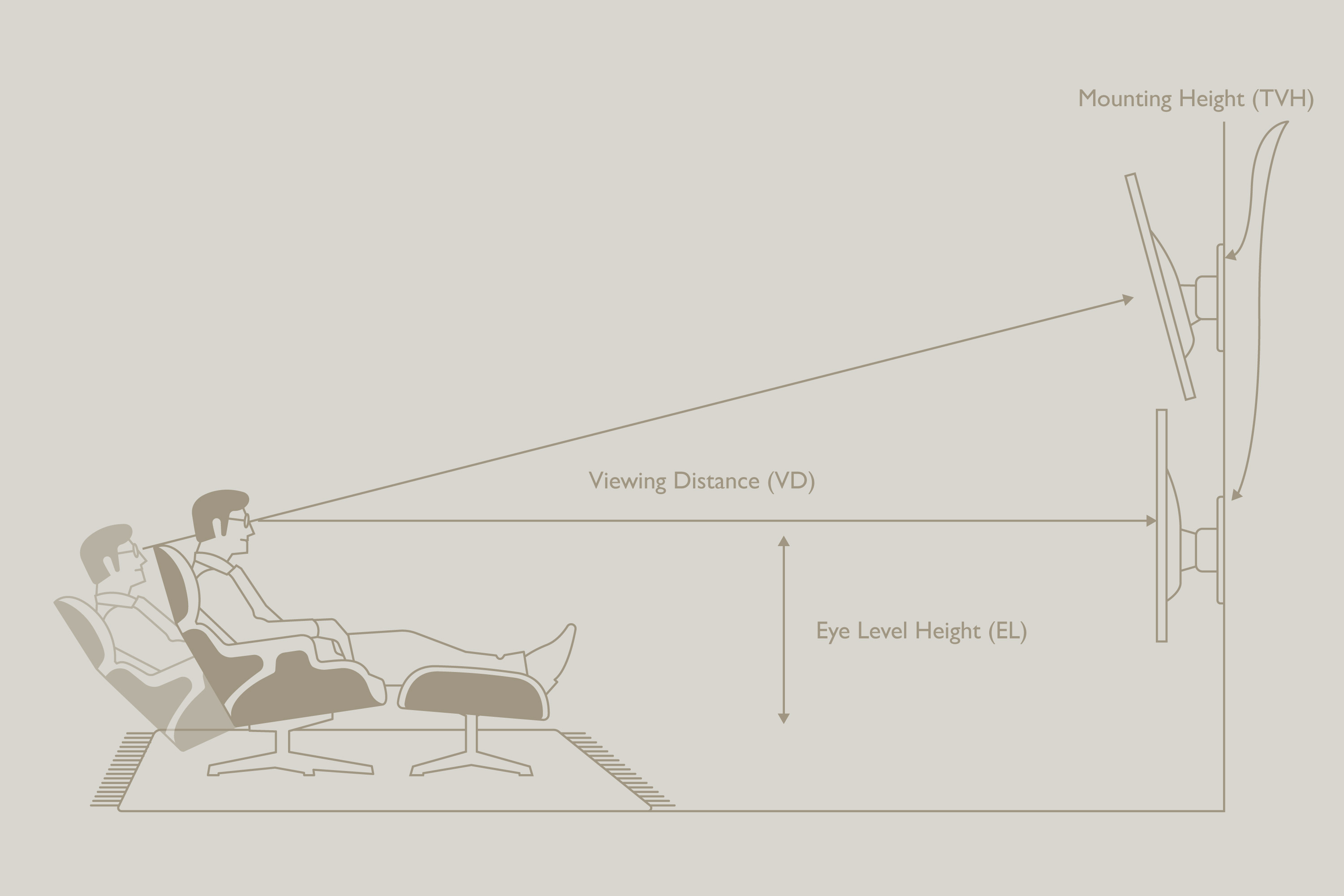
Viewing Distance (VD) is the distance between where a viewer sits and the wall on which the screen is mounted. The recommended measurements for this are as follows:
VD = TV diameter x 1.67
• Viewing Distance for 42" TV: 42" × 1.67 = 5.8 feet → 1.77 metres / 177 cm
• Viewing Distance for 55" TV: 55" × 1.67 = 7.5 feet → 2.29 metres / 229 cm
• Viewing Distance for 65" TV: 65" × 1.67 = 9 feet → 2.74 metres / 274 cm
• Viewing Distance for 75" TV: 75" × 1.67 = 10.5 feet → 3.20 metres / 320 cm
2. Calculate Eye Level Height
Measure the height from the floor to your eye level (EL) while sitting in your viewing seat. Note that if you are reclining, the EL distance will be different than if you are sitting upright, so try to find your most comfortable viewing position for this measurement.
3. Calculate TV Mounting Height (TVH)
Next, calculate the mounting height to the television's centre point. Here, a measured sitting height of 36” is used as an example for our TV wall mount height calculator.
EL+(VD*.22) = TVH
In our example for a 65” television: 36 + (109 × 0.22) = 59.98 inches (rounded up to 60 inches), which equals approximately 1.52 metres or 152.4 centimetres.
This sets the centre point mounting height of your 65” TV at 60” (1.52 metres/ 152cm) from the floor. If you have multiple rows of seats with one or more rows set on a riser, take the average EL height and use that for your calculation.
Make sure you follow the manufacturer’s instructions exactly when installing your television mounting bracket, and then get yourself ready for a totally immersive theatre experience.
Where to Place a Soundbar for a TV
Adding a soundbar to your TV brings audio to match your TV’s stunning visuals. Our Guide ‘Is a Soundbar Worth It?’ can help you to understand how adding a soundbar upgrades your home entertainment system.
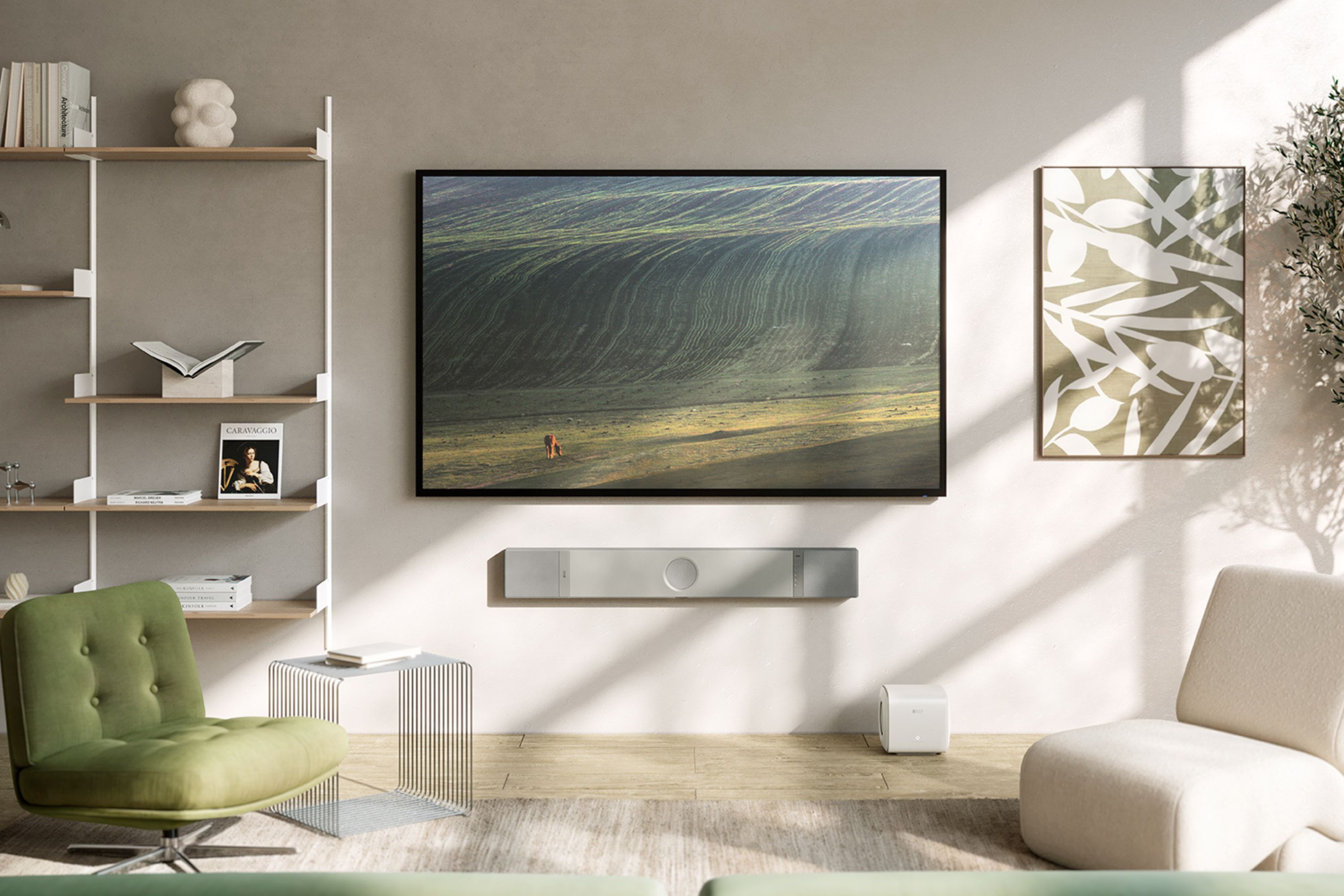
For the best surround sound, place your soundbar below your TV and slightly forward, ensuring it is centrally positioned. Try to avoid any obstacles between the soundbar and the seating area so sound waves can travel unobstructed. Thanks to Intelligent Placement Technology (IPT), the soundbar automatically detects whether it's positioned on a TV stand or wall-mounted and optimises its output accordingly, so you get exceptional sound, however you choose to set it up.
How to Mount a Soundbar to a Wall
Most soundbars, including XIO, come with a special wall-mount that is dedicated to the soundbars. These brackets will be mounted to the wall, and then the soundbar will easily slip into the brackets.
How to Connect a Soundbar to a TV
Easily connect your soundbar to your TV using a HDMI cable, AV adapter or optical cable. Just locate the port at the side or back of your soundbar to connect. Our guide to soundbars can help you understand more about this ingenious piece of audio technology.
Complete your home cinema setup with the XIO Soundbar, or see our guide to setting up the perfect home cinema for more advice on elevating your entertainment.