


How to Connect a Turntable to Your KEF Wireless Speakers

Vinyl records have experienced a remarkable resurgence, captivating both seasoned audiophiles and newcomers. The warm and rich sound that vinyl delivers is unmatched, particularly when paired with high-quality speakers like KEF’s Wireless HiFi Speakers.
Whether you own a pair from our iconic LS Wireless Collection or the new, vinyl-centric Coda W, connecting your turntable is straightforward. However, following a few key steps is important to get the best sound quality.
For those looking to upgrade their setup, consider exploring our full range, designed to complement the richness of vinyl playback.
What You Need to Know About Turntables and Wireless Speakers
Before diving into the connection process, it’s essential to understand the basic requirements, specifically regarding how to connect a record player to speakers, depending on the model you own.
Turntable Output
Turntables can have either a “Line” or a “Phono” output. A “Line” output indicates the presence of a built-in phono pre-amp, which amplifies the signal to the level required by most speakers. If your turntable has a “Phono” output, the signal is too weak for standard inputs.
- For LS Wireless Speakers: If your turntable has a “Phono” output, you’ll need an external phono pre-amp to boost the signal before connecting it.
- For Coda W: The Coda W features a built-in Phono pre-amp (MM), allowing you to connect a turntable with a "Phono" output directly to the speakers without needing an external box. Crucially, it also supports RCA (LINE) input for turntables that already feature a built-in phono stage. This ensures you have flexible options to connect your record player, regardless of whether it has an integrated pre-amp or not.
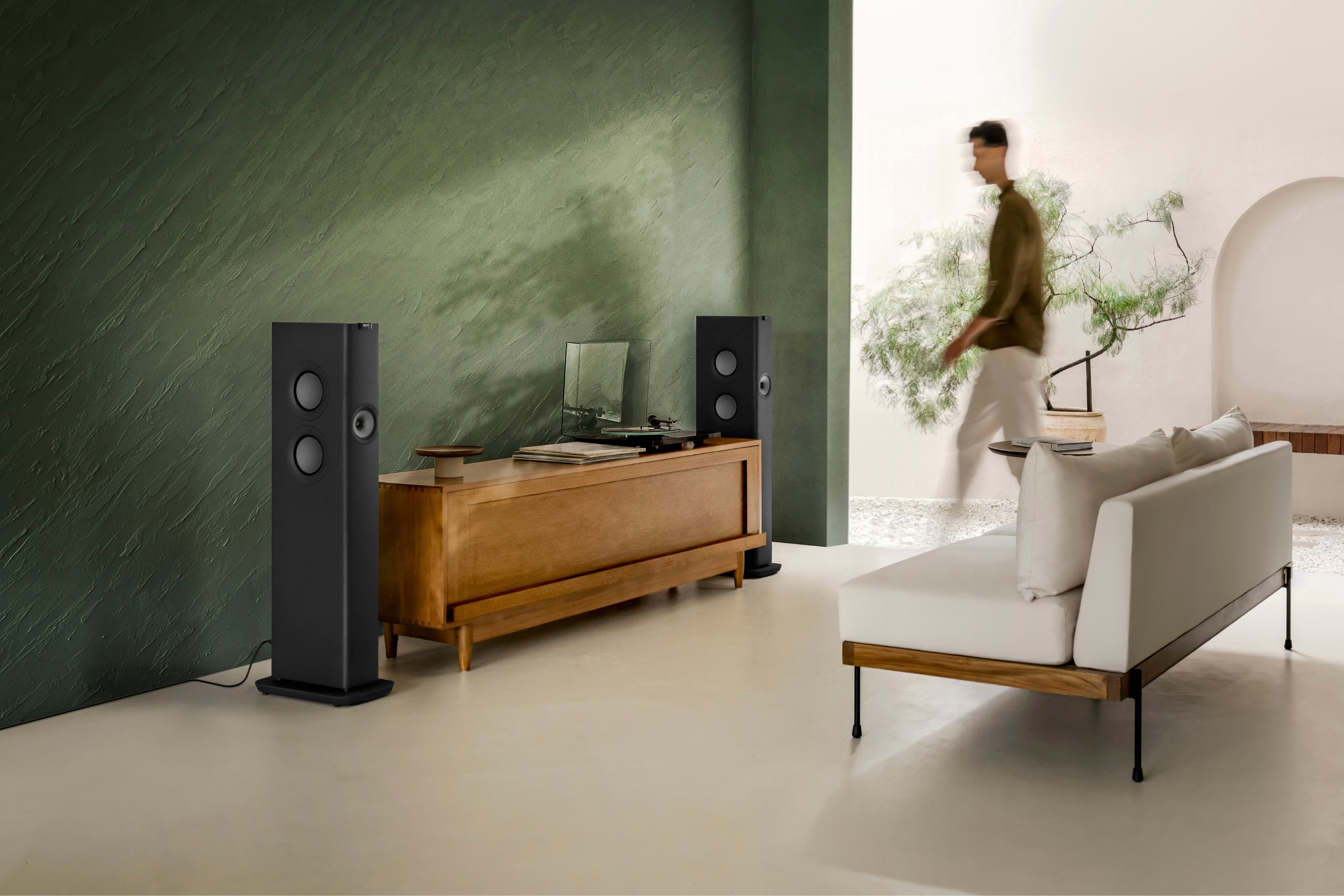
LS Wireless Speakers Compatibility
KEF’s LS Wireless Speakers are designed with versatility, allowing easy integration with various audio sources, including turntables. While all models in the LS Wireless collection can connect to your vinyl setup, it is important to note the specific connectivity of the LSX II LT. Unlike other models in the range, the LSX II LT does not feature a 3.5mm analogue input; therefore, you can only connect a turntable to this model via Bluetooth.
Frank Eschholz, EU Product Specialist, says, "The LS Wireless Speakers offer multiple input options, including RCA or 3.5mm and digital, making them ideal for connecting with a wide range of turntables with integrated or external phono pre-amps."
Connection Cables
The quality of your cables can affect sound quality. For analogue connections, use high-quality RCA or 3.5mm cables. Ensure your turntable supports digital output via optical or coaxial cables for digital connections.
For a deeper understanding of the types of speakers available and their impact on sound quality, check out our essential guide to wireless HiFi speakers.
How to Connect a Turntable to Your Wireless Speakers
Connecting a turntable to your wireless speakers involves a few simple steps. Here’s a straightforward guide to ensure you set it up correctly:
Step 1: Determine if You Need a Phono Pre-Amp:
Turntables can have either a “Line” or a “Phono” output. A “Line” output indicates the presence of a built-in phono pre-amp, which amplifies the signal to the level required by most speakers. If your turntable has a “Phono” output, the signal is too weak for standard inputs.
- If using LS Wireless Speakers, you will likely need an external phono pre-amp (unless your turntable has one built in).
- If using Coda W, you can skip this step if you have a Moving Magnet (MM) cartridge, as the Coda W has this technology built in. Learn more in our Coda W Buying Guide.
A quick note: The need for a phono pre-amp is not unique to KEF’s LS Wireless speakers; it’s a common requirement for many turntables.
Step 2: Identify Your Cartridge Type
Check whether your turntable’s cartridge is MM or MC (Moving Coil). Once you know, it will be time to set the Phono pre-amp. Switch your phono pre-amp to the correct setting (MM or MC) based on your cartridge type.
- Note for Coda W owners: The integrated pre-amp is designed for today's most usual MM cartridges.
Tip: If unsure of your cartridge type, test both settings at a low volume. The correct setting will produce a clear sound, while the wrong one will sound distorted.
Step 3: Connect the Turntable to Your Speakers
Once your phono pre-amp is connected to the turntable (or if you are using the Coda W directly), use a pair of RCA cables or a 3.5mm cable (with an adaptor if necessary) to connect to your speakers. You can also get cables with RCA plugs on one end and a 3.5mm plug on the other side. Then select the AUX or Phono input on your speakers, and you’re ready to enjoy your vinyl records.
Step 4: Understanding Connectors
RCA and 3.5mm connectors effectively transmit audio signals using the same cable type. The choice between them typically depends on the available space on the speaker’s terminal panel.
Key Point: There’s virtually no difference in sound quality between these two connector types at the voltages and frequencies involved in audio playback.
By following these steps, you can easily connect your turntable to your wireless speakers and enjoy the rich, authentic sound of your vinyl.
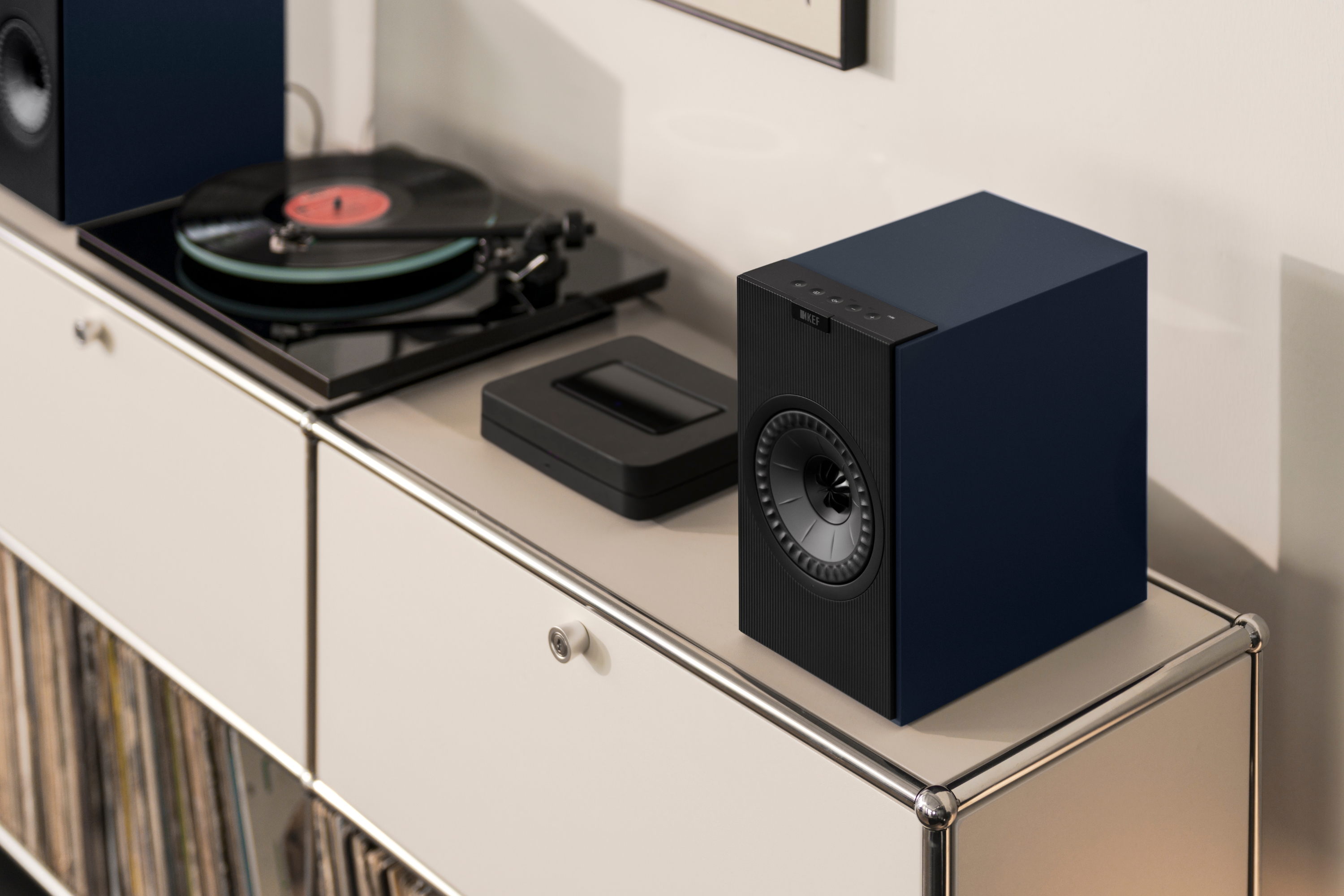
How to Connect a Bluetooth Record Player to a Speaker
Both the LS Wireless collection and the Coda W support Bluetooth connectivity. Simply set your turntable to pairing mode, select the Bluetooth source on your KEF speakers via the KEF Connect app or remote, and allow them to sync. This is a convenient way to learn how to connect a vinyl player to speakers without cables; however, a wired connection is recommended for the best possible fidelity.
Technical Specs and Performance Considerations
The LS50 Wireless II and LS60 Wireless speakers support an internal resolution of 192kHz/24-bit, ensuring the highest fidelity for your digitised vinyl. The LSX II, LSX II LT, and Coda W offer an internal resolution of 96kHz/24-bit. All models are engineered to handle high-resolution audio files to preserve the detail of your music.
Experimenting with Your Setup
KEF encourages experimentation with your setup to find what sounds best. Whether you're adjusting connections or optimising speaker placement, it's worth trying different configurations. Remember to keep the volume low while experimenting to avoid potential damage.
Common Questions About Connecting Turntables
What if my turntable only has a Phono output?
If you have LS Wireless speakers, you will need an external phono pre-amp. If you have the Coda W, you can connect it directly, as it includes an integrated phono stage designed to capture the soul of sound.
Can I use a digital connection with my turntable?
If your turntable supports digital output, you can connect it to the LS Wireless Speakers using an optical or coaxial cable. This method can provide a cleaner signal path and reduce interference, resulting in high-fidelity sound.
How can I ensure the best turntable and speaker setup?
For optimal performance, choose a turntable and speakers that complement each other. KEF’s Wireless Speakers are designed to bring out the best in vinyl playback, offering detailed sound reproduction and a wide soundstage. Pairing them with a quality turntable and pre-amp will provide an immersive listening experience.
To further refine your setup, explore the differences between active vs passive HiFi speakers and how each type can influence your audio system's performance.


